


WooCommerce B2B Solution: When Off-the-Shelf Plugins Fail
Your wholesale business has grown beyond “B2B equals pricing tiers plus a few hidden products.” Now, you have an operational WooCommerce store with regular wholesale customers who reorder predictably. Maybe you even installed B2BKing or Wholesale Suite. At this point, you want to have a more organized system that contains:
- Real tiered pricing across different customer groups
- NET 30 terms
- quote-to-order and sales reps workflows.
You have already made the first decision: whether to use WooCommerce or move to a B2B-native platform? This article guides you toward making your second decision: which WooCommerce B2B solution architecture actually survives past 50 active customers?
The existing affiliate-driven listicles and plugin vendors share only plugin installation guides. None of them suggests a solution when, 18 months later, you have 200 wholesale customers, 14 pricing tiers, and a random Tuesday afternoon when saving a single product takes 11 seconds because the role-based pricing meta table has 67,000 rows.
This article is the conversation we have with merchants in that situation: WooCommerce B2B is not a plugin choice problem. It is an architecture problem disguised as a plugin choice problem.
We’ll walk you through:
- The honest plugin landscape
- The six failure modes that consistently kill WooCommerce B2B implementations at scale
- Run the three-year cost math
- End with the question no plugin vendor will answer for you: when do you stop trying to make WooCommerce do B2B, and move to something built for it?
Let’s get started.
The Plugin Landscape, Honestly
Five options dominate what serious merchants actually compare. None is bad. All have a profile they fit into and one where they collapse.
B2BKing
- Feature-rich
- Well-maintained
- Well-supported with 137+ components
It ships with its own dynamic rules engine, a subaccounts model, built-in messaging, and an offers/bundles feature that earns its weight.
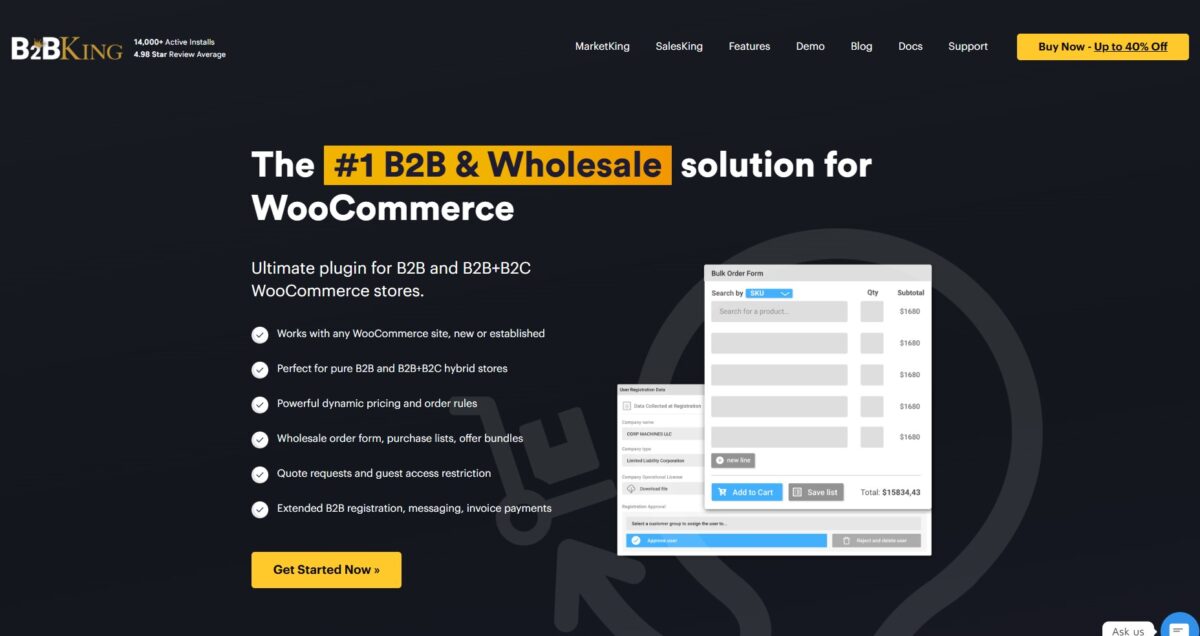
The breaking point is exactly what makes it appealing: the rules engine evaluates many conditions on every cart and product page. The fact that B2BKing includes a dedicated caching layer is not a bonus; it’s an admission of what happens without one.
Best for stores in the 50–500 customer range where feature depth genuinely matches the operation.
Worst for stores that need those features to behave differently from what the plugin author imagined.
WholesaleX
- More opinionated than B2BKing about the wholesale workflow
- Fewer moving parts
- Faster to set up
The bundled approach (dynamic pricing, registration, bulk order form, request a quote, wallet) competently covers the common case.
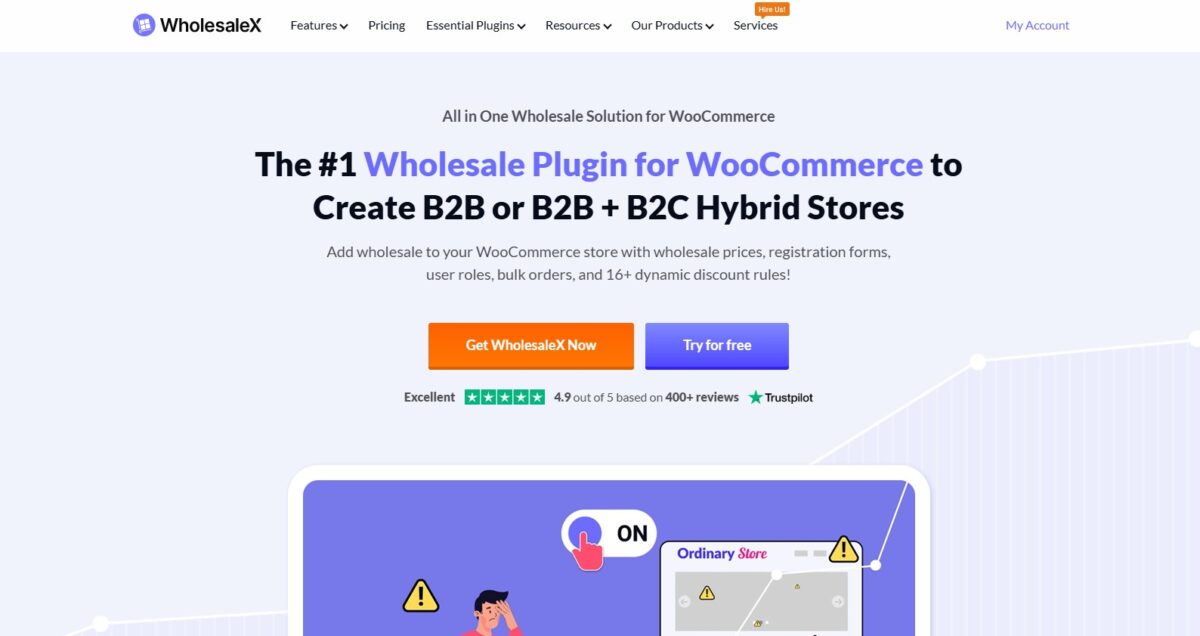
The breaking point is integration: when you need ERP sync or non-standard tax behavior, you’re working around the plugin rather than with it.
Best for stores that align with the plugin’s definition of B2B.
Worst for anyone with complex order-side workflows.
Wholesale Suite
- Longest-lived option
- Three modular plugins (Prices, Order Form, Lead Capture) that work together
- Deliberately narrower than B2BKing or WholesaleX, and that’s a feature
You add modules as needed. The Order Form module is best-of-class for bulk B2B ordering on WooCommerce.
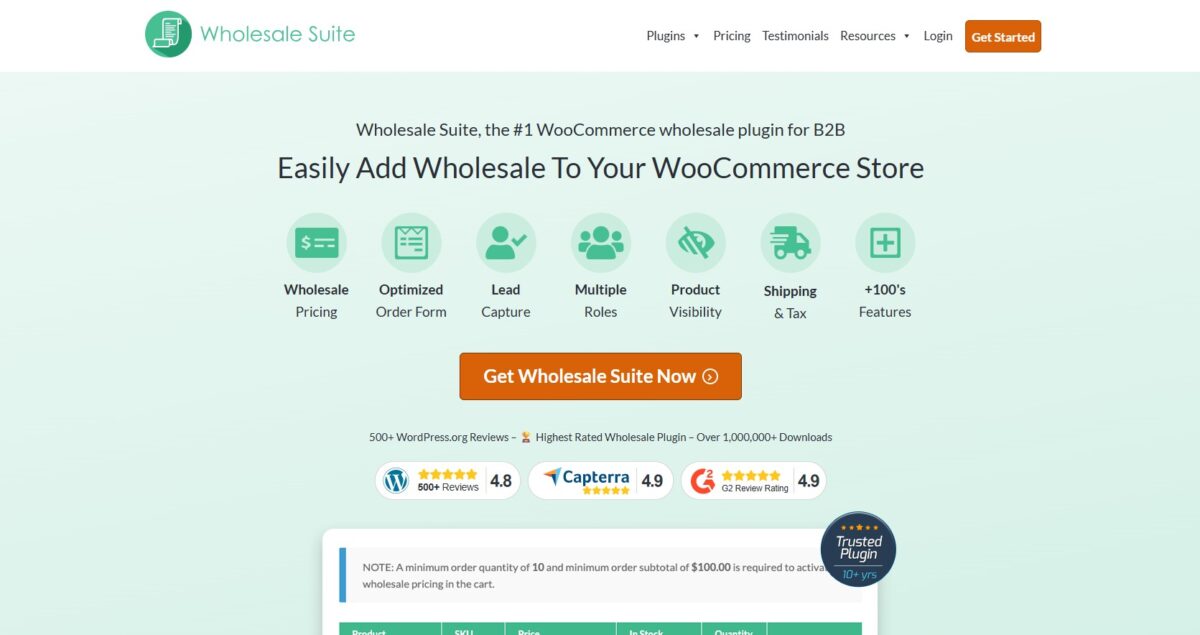
The breaking point is everything beyond pricing and order forms: the quote workflow is thin, company accounts are absent, and CPQ-grade flows don’t exist.
Best for stores whose B2B story is mostly pricing tiers and fast reordering.
Worst for stores with a consultative sales process.
B2B for WooCommerce (the Addify-built extension on WooCommerce.com)
- Official-marketplace credibility
- Costs $179/year
- Bundles five Addify extensions plus product-specific features
B2B for WooCommerce features role-based pricing, request-a-quote, tax exemption, restricted shipping and payments, and registration fields.
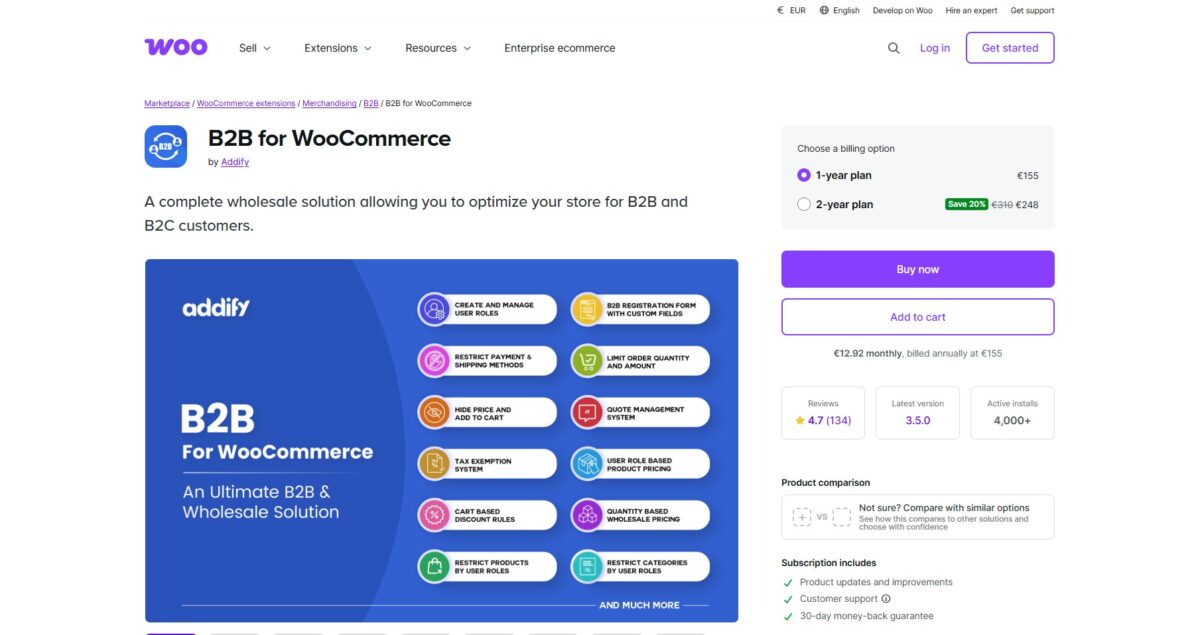
The breaking points are evident in the documentation itself: customer-level pricing silently overrides role-level rules, Elementor conflicts with the request-a-quote hook on some themes, custom fields can’t be sorted with the WooCommerce defaults, and file uploads can’t appear on the checkout account-creation form.
Best for stores that want marketplace assurance and standard features.
Worst for stores whose pricing logic involves more than one dimension of conflict.
The Custom-built Path
- A choice to write the rules engine, the quote workflow, the company-accounts model, and the ERP integration as code specific to the business, sitting on top of WooCommerce core
- Higher upfront cost
- Lower long-term cost when the business model has any genuine specificity

The breaking point is the opposite of the plugin paths: it doesn’t break, it costs. Whether the operation’s complexity earns that cost back is what most of this article is about.
Best for stores whose workflows don’t cleanly fit into anyone else’s idea of B2B, and whose volume or margins make the build pay for itself.
Worst for stores whose needs are genuinely standard, where a plugin would have done the job, and the custom build is just buying flexibility nobody will ever use.
Where Plugins Fail at Scale
These six failure modes are the ones we see repeatedly in audits of WooCommerce B2B implementations that have grown past the point where the plugin model holds.
None of these failures is just theoretical. All show up around the 50–200 active customer threshold, and most show up earlier in stores with large catalogs.
Failure mode 1: Role-based pricing at scale

Symptom
“We have 12 customer tiers and editing prices for a new product takes 20 minutes. The admin times out sometimes.”
Root cause
Almost every B2B plugin stores role-based and customer-specific WooCommerce wholesale prices as wp_postmeta entries. With 10,000 products × 12 roles, you have 120,000 meta rows for role pricing alone, before customer-specific overrides.
The admin UI iterates them on every save. The cart iterates them on every line. The product page iterates over them on every visit by an authenticated user, because the runtime price must be computed before display.
What the plugin tries to do
Cache the computed price. This works until you change a rule, at which point the cache invalidates broadly, and the first authenticated visit after invalidation pays the full computation cost. On a store with 5,000 products and 10 roles, this can add 3,000–8,000 database queries to a cold-cache category page.
Real fix
Move pricing rules out of post meta into purpose-built custom tables indexed by (product_id, role_id, customer_id, min_qty). A runtime rules engine evaluates the applicable rules in O(log n) rather than O(n), then caches the evaluated price per (product, customer) pair with explicit invalidation triggers. The product page stops scaling as the role count increases.
// Conceptual shape: illustrative, not paste-ready
add_filter( ‘woocommerce_product_get_price’, function( $price, $product ) {
if ( ! is_user_logged_in() ) return $price;
$rule = PricingRulesEngine::evaluate( [
‘product_id’ => $product->get_id(),
‘customer_id’ => get_current_user_id(),
‘quantity’ => 1,
‘cart_total’ => WC()->cart ? WC()->cart->get_subtotal() : 0,
] );
return $rule ? $rule->apply( $price ) : $price;
}, 10, 2 );
Plugins keep reading the shared table and layer caching to mask the cost. That’s the gap, and it’s why B2B pricing performance collapses at the scale most merchants actually reach.
Failure mode 2: Quote-to-order workflow (CPQ)

Symptom
“Our sales reps want to draft a quote, the customer counters, we counter back, eventually they approve and it becomes an order. The plugin only does request-a-quote: one round, customer asks, admin replies, customer pays. There is no negotiation.”
Root cause
The “Request a quote” feature in a typical WooCommerce B2B plugin is unidirectional. The schema is roughly: a customer-submitted quote becomes an order when an admin sets a price.
Real Configure-Price-Quote workflows are stateful conversations:
draft → submitted → countered → revised → accepted → expired → converted.
They need revision history, line-item-level changes, expiration dates, multiple parties (sales rep, customer purchaser, customer approver), and bidirectional CRM sync.
What the plugin tries to do
Bolt revision tracking onto the order object. A notes field, a comment thread, and a parallel “quote status” column on the order screen.
Orders weren’t built to be edited after creation. Editing line items in place breaks audit trails and accounting hooks. Duplicating the order fragments’ history across records with no clean link between versions.
Why the approach breaks
A quote isn’t a draft order. Quotes expire. Orders don’t. Quotes carry versions. Orders carry one canonical state. Quotes sync to the CRM from the draft state, so a rep works in Salesforce or HubSpot without touching WooCommerce. Orders sync after payment. Forcing both into one data model means one works and the other limps.
Real fix
A separate quote object with its own state machine, revision log, and line-item versioning. Each transition fires the right notification: the customer on a rep counter, the rep on a customer revision, the approver when the cart crosses a threshold. Conversion to order is one-way, closes the quote, and links the new order back to it so the negotiation history survives for audit and reporting.
A few hundred lines of structured code plus the CRM integration. No plugin we’ve audited ships it.
Failure mode 3: NET payment terms and credit management

Symptom
“We let some customers pay on NET 30 terms, where they get the order now and pay us within 30 days. The plugin offers that option at checkout, but after that it just sits as a pending order. Nothing checks if the customer has hit their credit limit. Nothing flags overdue invoices. Nothing stops them from ordering again while they still owe us from last month, and there’s no way to put a customer on hold. “
Root cause
The plugin handles the easy part, the offer at checkout, and ignores everything after. The real accounts receivable work, credit limits, aging, dunning, and collections, live in the accounting systems: QuickBooks, Xero, NetSuite, and SAP. That’s the source of truth for who owes what.
What the plugin tries to do
Add a credit limit field to the customer profile, an overdue flag on orders, and a reminder email scheduler. An accountant raises the limit in QuickBooks, and WooCommerce keeps the old one. A customer pays in NetSuite, and WooCommerce still marks them overdue. Two systems, two answers, neither trustworthy.
Why the approach breaks
AR has one source of truth, and it isn’t WooCommerce. The moment the store keeps its own copy of credit limits or invoice status, the numbers drift from the accounting system. Drift is how the warehouse ships to a customer; accounting is just put on hold. The plugin’s AR model also skips what matters operationally: aging by invoice, partial payments, write-offs, credit memos, and collections handoffs.
Real fix
Sync the store and the accounting system both ways. At checkout, ping the ERP live to confirm the customer has room under their credit limit, with a cached fallback if the ERP is briefly down. Push order activity into AR as it happens.
When accounting flags an invoice as overdue, push that status back to WooCommerce so it can block new orders or quietly switch the customer from NET 30 to pay-now. The plugin isn’t the accounting system. It keeps the store and the accounting system telling the same story.
Failure mode 4: Company accounts with multiple buyers

Symptom
“We’ve got three folks from one company trying to order off a single account. The boss has to sign off on anything over $5,000. The other two can poke around the catalog and load up the cart all day, but they shouldn’t be the ones pulling the trigger at checkout.
And all three of them need to be looking at the same prices, the same old invoices, the same saved addresses. Right now, we’re stuck between two bad choices. Either everyone shares one login, and we have no idea who ordered what, or we make three separate accounts, and now the pricing’s all over the place, and nobody can see each other’s history.”
Root cause
WooCommerce models a customer as one person with one login. Fine for retail. It breaks the moment a business customer arrives with a buyer who builds carts, a manager who signs off above a threshold, and an assistant placing orders on someone else’s behalf.
The data model has no concept of a company, no permission layer between users on the same account, and no shared state for addresses or payment methods above the user level.
What the plugin tries to do
Plugins try to fake it with extra tables and parent-child user setups. Looks fine in a demo. Then the real questions break it.
- What happens to a cart someone was halfway through when you move them to another team?
- How do you keep the approver from getting every single order in their inbox when they only care about the big ones?
Why the approach breaks
The structure treats the company as a link between users instead of its own object.
Permissions live on individual users, so each new hire on the customer side means rebuilding the setup instead of inheriting it.
Shared payment methods sit on one user and get exposed to the rest through filters, which means the audit log records the wrong owner.
The approval workflow has the same fault: thresholds and notifications are wired per user, not configured once at the company level.
Real fix
Companies are a first-class object in the data model. Users belong to a company. Roles define what each user can do: buyer, approver, admin, or view-only. Permissions check per action, not per label.
A cart crosses the approval threshold, the order pauses, and the assigned approver gets a notification. Payment methods belong to the company, with an audit log of which user used which card. Addresses, invoice history, and price lists sit at the company level. All three users see the same data without the plugin filtering it back together from individual user records.
A few hundred lines of structured code, an organization table, a permission layer, and a notification rule set. Not a plugin setting.
Failure mode 5: Hidden catalogs and product visibility by role

Symptom
“Distributor pricing isn’t supposed to be visible to anyone outside the distributor role, but Google indexed the page and a competitor screenshotted the prices.”
Root cause
Most plugins hide the price with a CSS rule. The price still travels from the server to the browser and still sits in the page source. View the source, and the wholesale number is there in plain text.
Google’s crawler has no role, no account, no session. It reads the raw HTML that any anonymous request gets. A CSS rule means nothing to a crawler reading text. The price gets indexed.
The page source is one leak. Three others stay open:
- The REST API returns raw product data, prices included, to anyone who hits the right URL.
- Internal site search surfaces protected products to logged-out users even when category pages are blocked.
What the plugin tries to do
Hide the price in the front-end template, sometimes swapping it for a “login to view” message. The product page still loads. The product still exists in the catalog. Each of the four surfaces is a separate code path, and none of them inherits the rule.
Why the approach breaks
Protection at the display layer protects nothing. The data left the server before CSS ran. The crawler, a competitor with curl, a scraper, all see the raw response. Locking the product page while leaving the API, the sitemap, and internal search untouched means three out of four entry points still return the data to anyone who asks.
Real fix
Access control at the query, not the display. If a role can’t see a product, the product never gets pulled from the database for that request.
- pre_get_posts filters the product out of WP_Query, so it doesn’t appear in category pages, listings, or search.
- rest_prepare_product filters the REST API response so the back door returns nothing.
- The sitemap generates per role, or strips protected URLs, so Google isn’t handed a map.
- An X-Robots-Tag: noindex header on protected URLs catches anything that slips through.
A protected product is invisible at the query layer, and every surface that reads from the query inherits the protection.
Failure mode 6: Minimum order quantity with conditional logic

Symptom
“Minimum order is $500 for new accounts, $200 for established, $0 for partners. Free shipping kicks in above $1,000, but only on three product categories. The minimum doesn’t apply to back-orders of items the customer has bought before.”
Root cause
Plugin MOQ logic is a single threshold per role. Real B2B order rules are conditional matrices: customer status × cart composition × historical purchase pattern × promotional period × geography. The plugin’s settings UI was never built to express that.
What the plugin tries to do
Expose a flat threshold field on the role configuration screen, sometimes with a category filter or a date range. Merchants who need conditional logic stack a second or third plugin on top: an MOQ plugin, a shipping rules plugin, a discount plugin. Each evaluates the cart independently. None of them coordinates with the others.
Why the approach breaks
Stacked plugins don’t share a rule model. One block checkout with “minimum order is $500.” Another adds free shipping at $1,000. A third overrides both for a partner role. The merchant sees three contradictory messages at checkout, and the customer sees one of them at random, depending on which plugin’s filter ran last.
The deeper fault is that the rules aren’t declarative. Each plugin runs imperative checks in whatever order WordPress fires its hooks, so priority and conflict resolution emerge from load order instead of intent.
Real fix
A cart rules engine that evaluates the cart against a declarative rule set, with rule priority and conflict resolution defined explicitly. Error messages that say which rule blocked checkout and what would unblock it (“add $137 to qualify for the partner minimum”). Cart adjustment suggestions where the rule allows it.
The rules engine is the same architecture driving pricing. One engine, two evaluation targets: price at render, eligibility at checkout. Build it once, and every rule the business adds later runs through the same coordinated layer instead of stacking another plugin on top.
The three-year cost math
Most merchants anchor on license fees and make the wrong call. A $179/year plugin looks nothing like a $30,000 custom build on day one. By month 22, that comparison often flips. Below is the cost math from real operations.
The Three Paths
PATH 1: Plugin Stack on WooCommerce
- $179–$300/year for a premium B2B plugin license
- $300/year combined for two or three add-ons and integrations
- $400–$600/year for core WooCommerce extensions: shipping, payments, ERP connector
- 30–50 hours of initial setup and configuration at $120–$180/hour = $4,500–$9,000
- 6–12 hours/month ongoing: conflict debugging, update testing, incremental features = $9,000–$20,000/year
3-Year Total: ~$35,000–$75,000
PATH 2: Custom B2B Layer on WooCommerce
- Core plugin licenses only: ~$400/year
- Custom build of the rules engine, quote workflow, company-accounts model, and ERP integration: 200–400 hours = $30,000–$70,000
- 4–8 hours/month ongoing maintenance and feature work = $6,000–$14,000/year
3-Year Total: ~$50,000–$115,000
PATH 3: Leave WooCommerce for a B2B-Native Platform
- BigCommerce B2B Edition starts around $1,200/month at the entry tier, roughly $15,000/year in platform fees
- Migration is where this path gets expensive: data migration, storefront rebuild, integration re-implementation, team retraining = $40,000–$120,000
- Ongoing development and customization: $0–$10,000/year once migrated
3-Year Total: ~$85,000–$195,000
Full Cost Comparison
| Cost Category | Path 1: Plugin Stack | Path 2: Custom Build | Path 3: Platform Migration | Basis |
| Plugin / Platform Licenses | $879–$1,200/yr | ~$400/yr | ~$15,000/yr | Annual |
| Initial Build / Setup | $4,500–$9,000 | $30,000–$70,000 | $40,000–$120,000 | One-time |
| Ongoing Dev (3 yrs) | $27,000–$60,000 | $18,000–$42,000 | $0–$30,000 | Estimate |
| 3-YEAR TOTAL | ~$35K–$75K | ~$50K–$115K | ~$85K–$195K |
Where Each Path Wins
The ranges matter less than the fit. Picking the wrong path at $5M revenue costs more in ongoing friction than the upfront price difference ever would.
| Revenue Range | Operation Profile | Recommended Path | Breakeven vs. Alt. |
| Under $2M | Clear pricing tiers, standard reordering, and no consultative sales | Path 1: Plugin Stack | Cheapest on day one |
| $2M – $10M | Custom quote workflows, multi-buyer accounts, ERP-integrated AR, and conditional MOQ logic | Path 2: Custom Build | Months 14–22 vs. Plugin Stack |
| Above $10M | SSO, multi-warehouse reservation, complex tax jurisdictions, CPQ-grade quoting, full PIM | Path 3: Platform Migration | Wins on 3-yr total + opportunity cost |
What the Math Is Actually Telling You
The plugin stack is genuinely cheap when your operation fits what the plugin was built for: clean pricing tiers, standard reordering, no consultative sales, no complex account hierarchies.
The custom build looks expensive upfront and is usually the cheapest option by month 22 for the right operation. A fixed build cost spread over three years beats recurring plugin workaround costs, and ongoing maintenance stays lower because the code was written for your specific requirements.
Path 3 is a different analysis. Migration cost dominates the math and varies more than anything else on this page. Clean catalog, standard storefront: $40,000 to migrate. Complex integrations, custom theme, large customer dataset: you can hit $120,000 before rebuilding anything. Path 3 typically wins on opportunity cost as much as total spend. Every hour your team spends working around WooCommerce B2B limits is an hour not spent running the business.
The real question in the WooCommerce B2B vs wholesale decision
The plugin path is cheap only when your operation fits the plugin. Once it does not, the savings get spent fighting it every quarter. The custom build is the more expensive option on day one and the cheaper one by month 22 for the right merchant. The question is not which path costs less in the abstract. It is which one fits how you actually operate.
These numbers are ballpark figures from real engagements, not quotes. Your actual costs depend on the complexity we have not assessed. The pattern holds regardless: the cheapest option on day one is not always the cheapest option at month 22.
Should You Leave WooCommerce?
This is the question every plugin vendor has a financial reason to skip. We don’t, so here’s the honest version.
WooCommerce keeps winning for you if:
- Your catalog is under 10,000 SKUs.
- Your pricing model has two to four dimensions of variation: role, quantity, customer-specific, and maybe promotional.
- Your quote workflow is one round, not a negotiation.
- Your AR is handled by an accounting system with a maintained WooCommerce connector.
- Your B2B operation is an extension of an existing retail setup rather than a standalone wholesale enterprise.
- Your team includes or has access to a WooCommerce-fluent developer.
WooCommerce starts losing for you if:
- You’re north of 10,000 SKUs with pricing rules involving more than three conditions.
- You need multi-warehouse fulfillment with stock reservation across draft quotes.
- Your sales process is genuinely CPQ: multi-round negotiation, configured products, and approval chains.
- You need enterprise SSO, SCIM provisioning, or audit logging at a compliance grade.
- Your ERP is NetSuite or SAP, and you need real-time bidirectional sync rather than periodic batch.
What to do with that:
For the first profile, the answer is almost always: Harden your WooCommerce B2B ecommerce setup rather than migrate.
For the second, BigCommerce B2B Edition or Adobe Commerce will likely cost less at the three-year mark. The migration pain is real and substantial, but it buys a platform that doesn’t fight you on things B2B-native platforms handle out of the box.
The hardest case is the middle: $3-8M wholesale, complex but not enterprise-grade. We tell merchants in this band, honestly, that there isn’t a single right answer. We’ve audited stores where the right call was a custom WooCommerce build that ran cleanly for years. We’ve audited others where six months on BigCommerce solved problems three years on WooCommerce hadn’t.
WooCommerce is genuinely capable. The question is whether the cost of making it work for your specific operation, every quarter, in perpetuity, is lower than a platform where those capabilities are native.
Most merchants haven’t actually done that math. They’ve compared the plugin price to the migration price and stopped there.
Choosing the Right WooCommerce B2B Solution: Where This Leaves You
If you’ve read this far and recognized your operation in three or four of the failure modes, the answer probably isn’t a different plugin. The plugin you’re frustrated with is a symptom. The real question is whether the architecture beneath it can carry the next two years of growth, or whether those two years should be spent building on a different foundation.
The three paths we’ve described, stay and harden, custom build on WooCommerce, or migrate to a B2B-native platform, all work for the right merchant. None works for every merchant. The ones who get this wrong chose without doing the math, then spent years finding out what it actually cost.
We run an audit for merchants in this position. It maps your current setup against the six failure modes, runs the three-year cost math against your actual revenue and operational profile, and produces a written recommendation for one of the three paths with the reasoning behind it.
It’s not a sales conversation. It’s a one-week engagement that delivers a document you can take to your team or to a different agency. Most of the merchants we work with long-term came to us with a plugin problem and left with an architecture decision.
If your WooCommerce B2B setup is starting to feel like a wall rather than a foundation, that’s the signal to step back from the plugin question. Book a free consultation to discuss the right long-term approach for your business.
